Roadmaps
Turn board groups and items into a timeline. Roadmaps give leadership a schedule-first view — what's planned, what's in flight, and what's slipping past today.
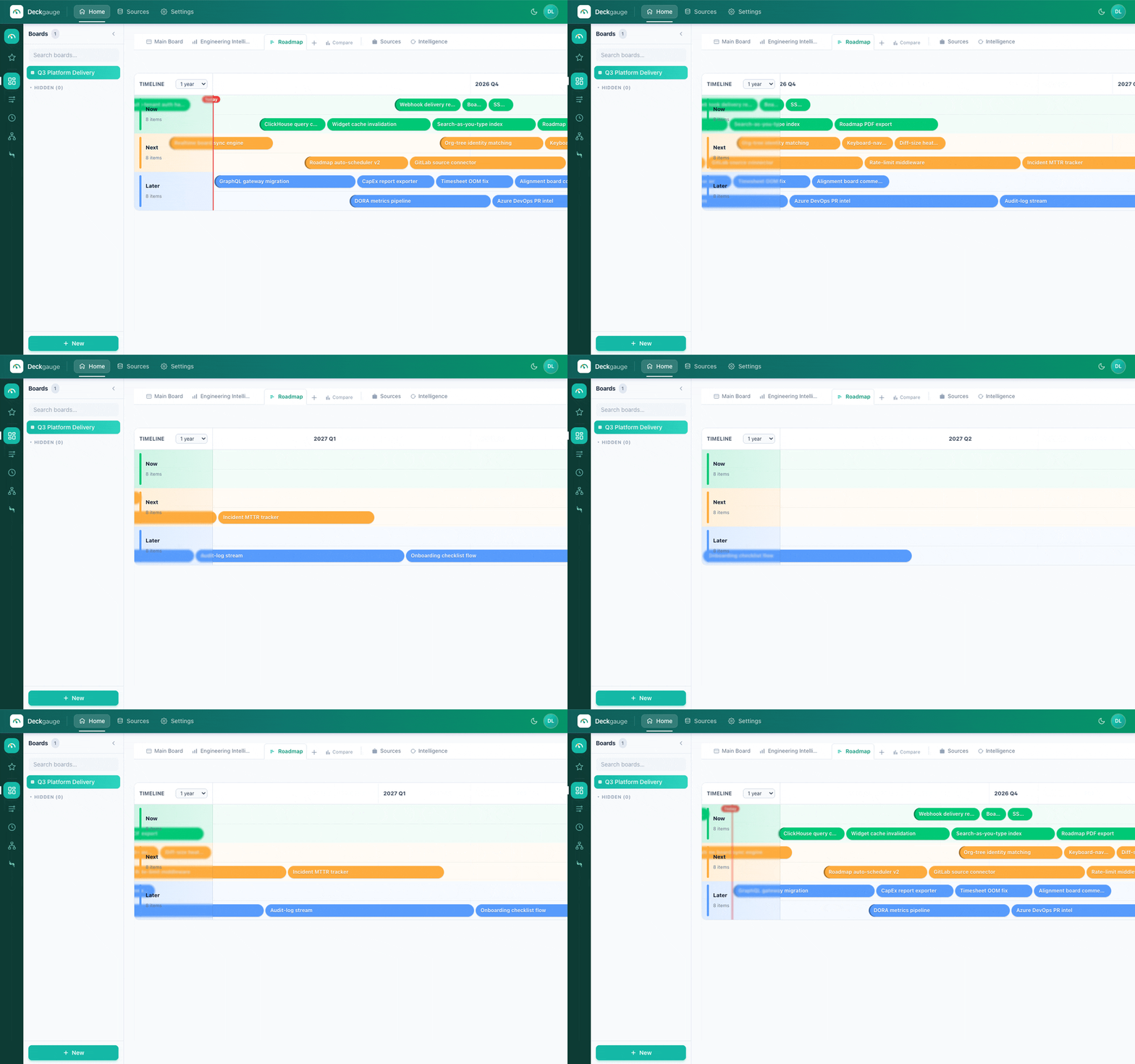
A Gantt view with progress bars and a today marker.
Two kinds of roadmap
- Board roadmap — a tab on any board that lays its groups/items on a time axis.
- Cross-board roadmap — a standalone roadmap that pulls groups from any board onto one shared timeline, so a program spanning several teams lives in one view.
Views
- Gantt (default) — bars on a timeline, each positioned by its start/end dates.
- Grid — a tabular layout of the same items for quick scanning and editing.
What the timeline shows
- Progress bars — how far each item has advanced.
- Today line — a marker so you can see at a glance what's behind or ahead of schedule.
- Assignee rows and a configurable time window.
- Drag to reschedule — drag a bar to change its dates, or edit them inline.
TipBuild a cross-board roadmap for a quarterly plan: add the key groups from each team's board with "+ Add groups", then share it read-only with stakeholders.